
Connecting Journey Payroll to Discovered
Overview
Integrating Journey Payroll with Discovered gives you instant access to applicant tracking, assessments, and your career page—all from within your Journey Central account. Once connected, you can create job posts, evaluate candidates, and manage your hiring pipeline without ever leaving your HR system. This integration ensures a smooth transition between payroll, onboarding, and talent acquisition, helping you streamline operations from hire to onboarding.
How to Connect Journey Payroll to Discovered:
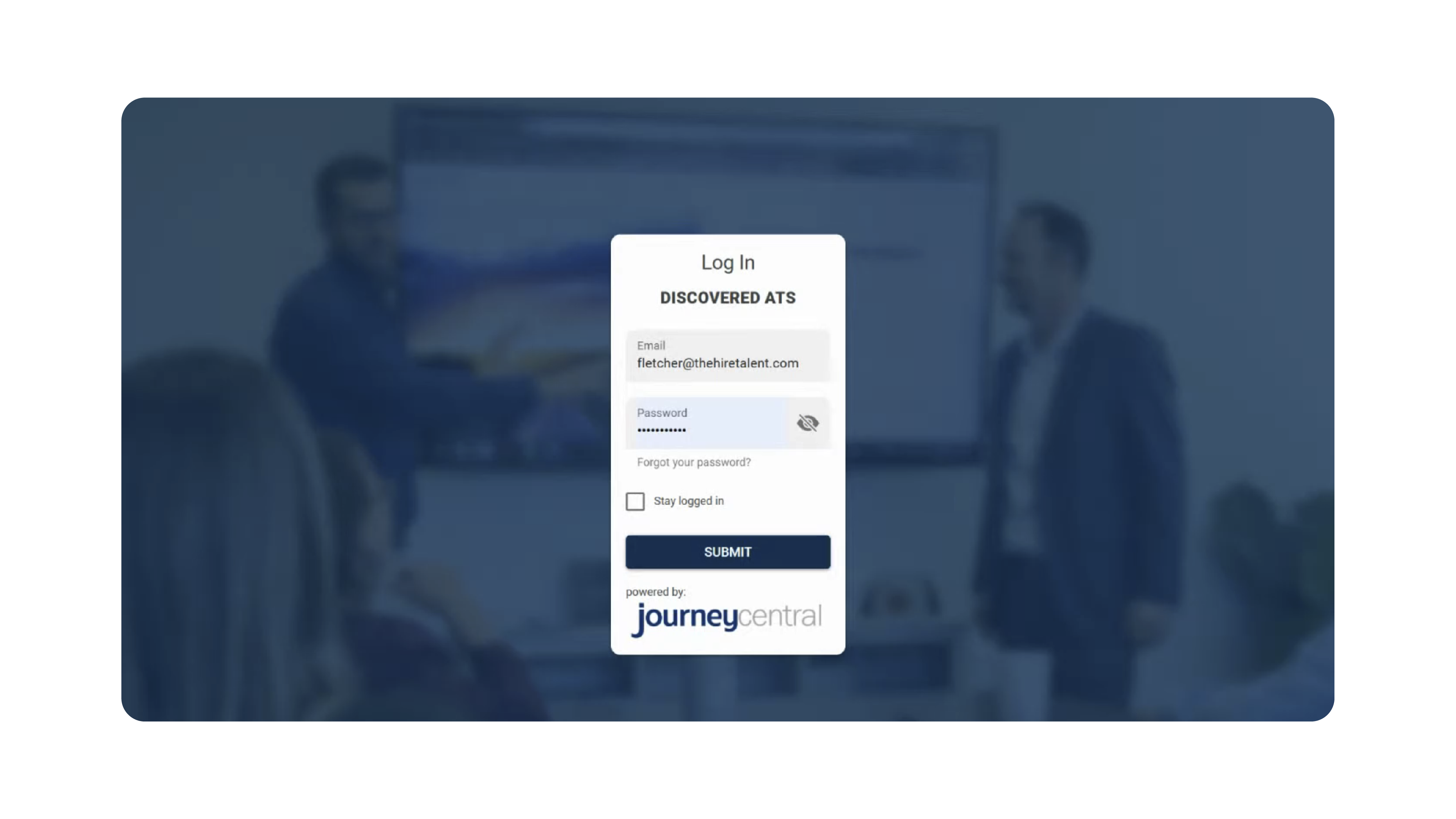
1. Log in to Journey Payroll:
- Go to the Journey Payroll login page.
- Enter your email and password.
- Click Submit to access your account.
- (Optional) Save your credentials for quicker access in the future.
2. Access the Applicant Tracking System (ATS):
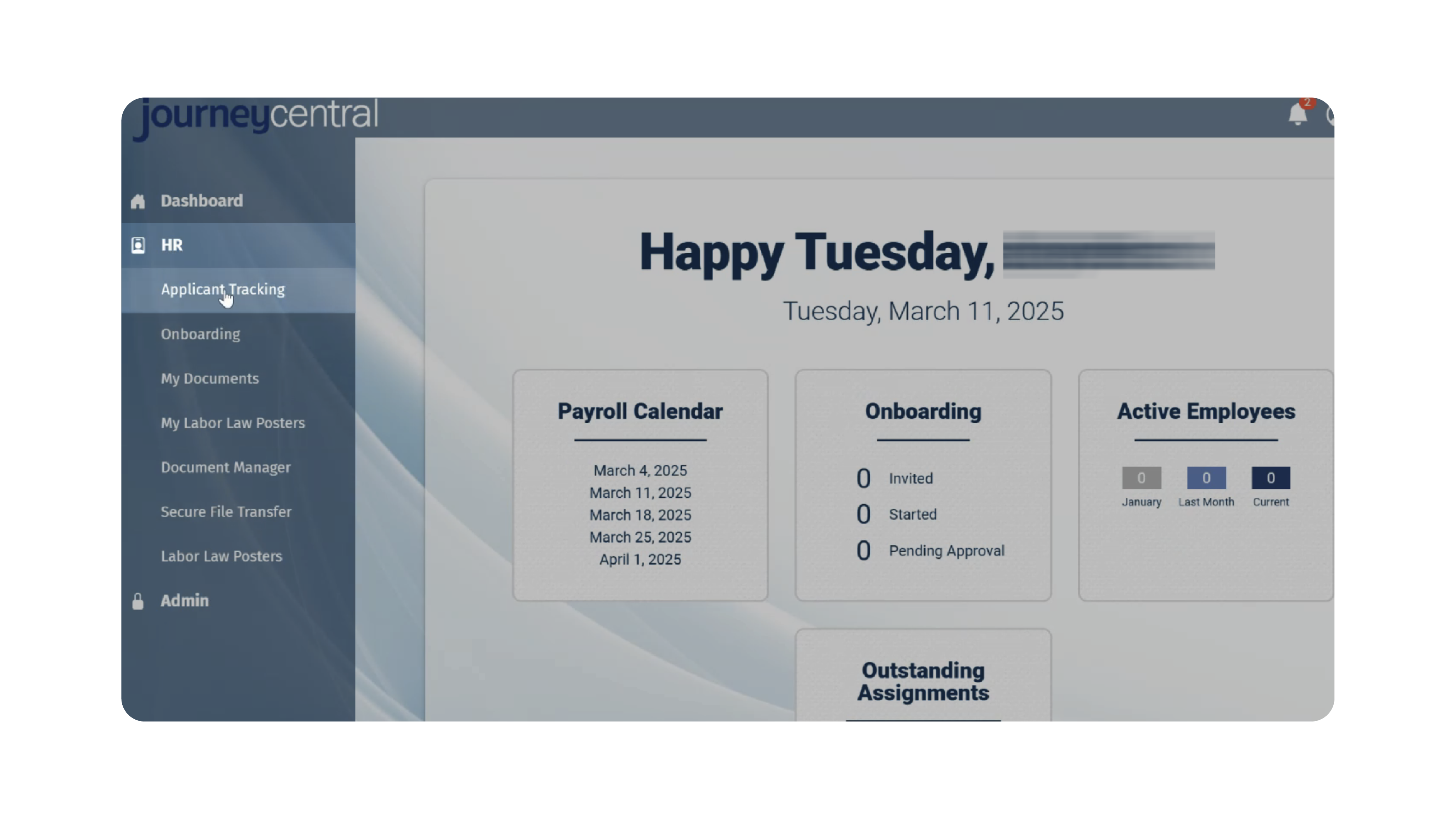
- In Journey Central, navigate to the HR section.
- From the available HR tools, click Applicant Tracking.
- You will be automatically logged into Discovered.
- If this is your first time logging in, your Discovered account will be empty—but ready for job creation, assessments, and setup.
3. Getting Started in Discovered:
Once connected, you can immediately begin using Discovered’s features:
- Create Job Posts – Set up your first job posting and start attracting candidates (refer to our Job Posting Guide).

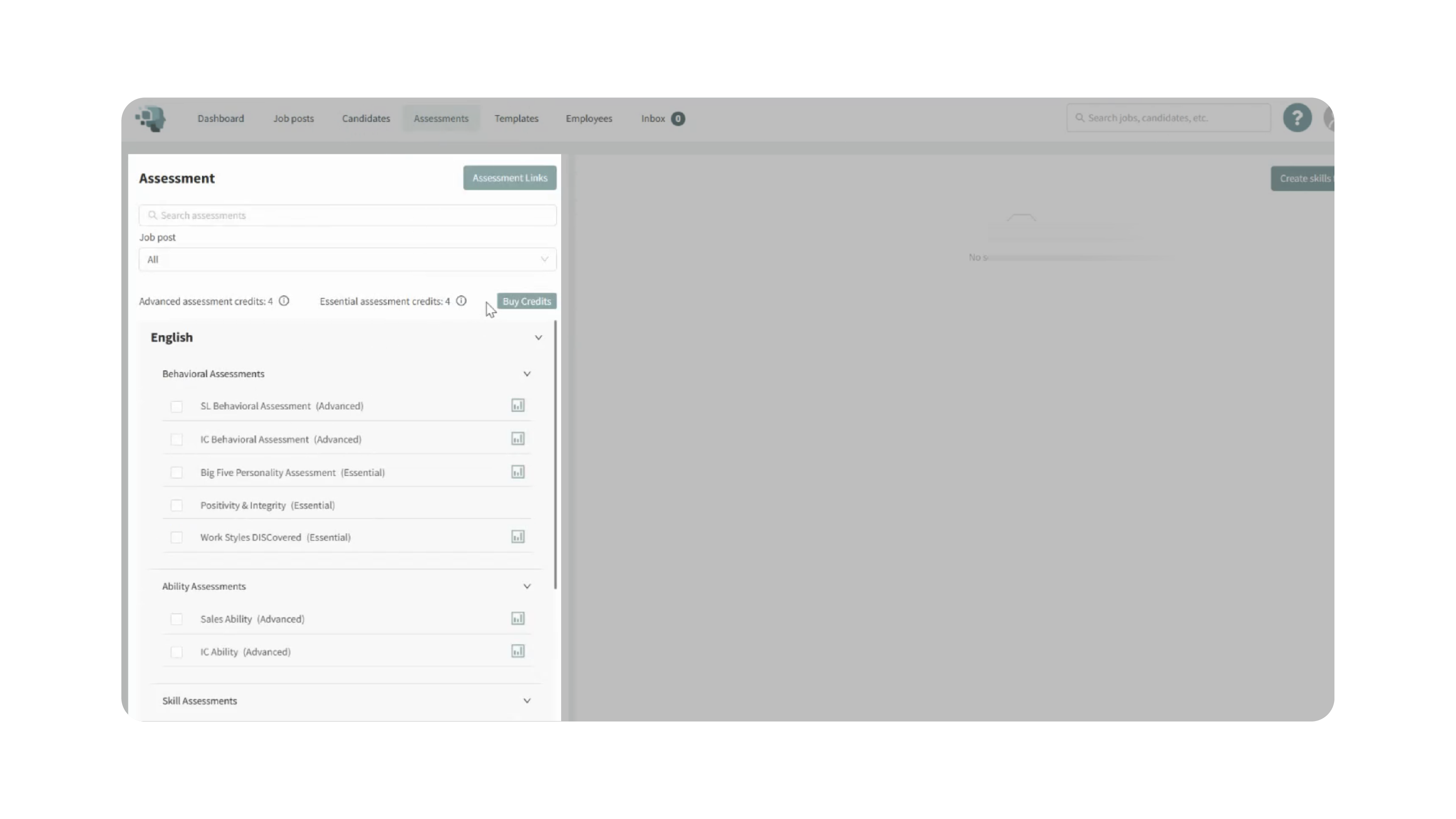
- Explore Assessments – Your new account includes 8 assessment credits (4 advanced + 4 essential) so you can start evaluating candidates right away.
- Career Page Setup – A basic career page is automatically generated for you. Within 24 hours, our team will enhance it to match your brand and notify you when it’s ready.
4. Onboarding & Support:
After your account is connected, you will receive:
- A welcome notification from our team
- Invitations to onboarding sessions—available in human-led or digital formats
This ensures you are fully supported as you begin using Discovered.
Why This Matters
Connecting Journey Payroll to Discovered allows your hiring tools and HR systems to work together seamlessly. This ensures:
- Centralized control from one login
- Faster onboarding of new hires
- Immediate access to assessments and job posting tools
- A professional, customized career page
- A smoother, more integrated hiring and onboarding experience
This integration reduces manual setup, saves time, and keeps all your hiring and HR info connected in one ecosystem.
Use Cases
- HR Teams: Manage hiring, onboarding, and payroll from one unified platform.
- Recruiters: Quickly begin sourcing and evaluating applicants without a separate ATS setup.
- Small Businesses: Start hiring immediately using built-in assessments and a ready-made career page.
- New Discovered Users: Get onboarded seamlessly through Journey Payroll without manual account creation.
Best Practices
- Log into Journey Payroll before accessing Applicant Tracking for the smoothest experience.
- Use your initial assessment credits to test assessments and identify which tools fit your hiring process best.
- Customize your career page once the upgraded version is delivered.
- Review additional tutorials (job posting, assessments, candidate management) to get the most out of Discovered.
- Take advantage of onboarding sessions to get personalized training.
What Happens Next
Once connected:
- Your Discovered account is fully active and ready for job postings.
- Your enhanced, branded career page will go live within 24 hours.
- You will receive onboarding communication from our support team.
- You can begin using assessments, managing candidates, and exploring all ATS features.
If you need help at any point, contact us at info@thehiretalent.com—we’re here to support your success.