
Fix Jobs Flagged as Duplicate or Too Similar on Indeed
Overview
If Indeed flags your job as duplicate or too similar, the posting may have been compared against a recent or similar version of the same role. This can limit visibility and reduce results.
This article explains what to do if a job is flagged, when to contact Indeed Support, and when to pause, rewrite, and repost the job.
How to fix it:
1. Capture the exact message in Indeed
Open the job in your Indeed employer account and save a screenshot of the duplicate or too-similar message.
Also note:
- the exact job title
- the job ID in Discovered
- whether the role is urgent or not urgent
2. Decide based on urgency
If the role is urgent, sponsorship may be the fastest short-term path.
If the role is not urgent, the cleaner path is usually to:
- close or archive the current job
- rewrite the job ad meaningfully
- wait about 7 days
- repost it as a brand-new job
- do not reopen the old paused version
The playbook notes that 7 days is the safer timing.
3. Contact Indeed Support
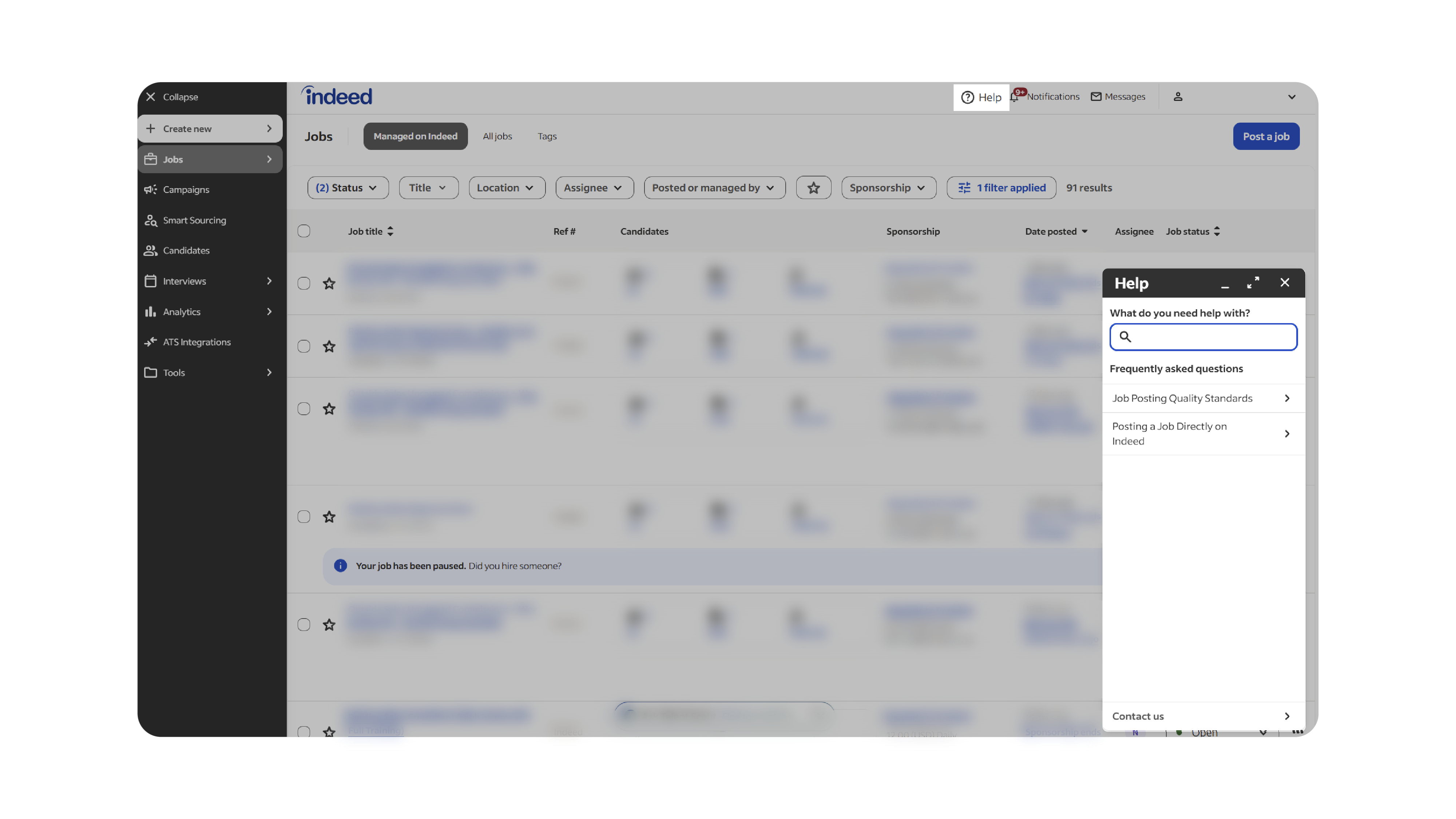
Use this script:
Subject: Job flagged as too similar to a recent job
Body:
Hello Indeed Customer Support,
We are reaching out regarding a job in our account that appears to have been incorrectly flagged as a duplicate.
We use Discovered as our ATS, and Discovered recently migrated from an XML feed to an API Job Sync integration with Indeed. It appears that during this transition, some jobs may have been incorrectly detected as duplicates. That is why we are looping in the Integrations Delivery team, including Scott Volkers at Indeed Integrations team, on this conversation.
We were advised by Indeed Integrations Delivery to contact Customer Support and request a review of this job. Our understanding is that this job is erroneously flagged as a duplicate and its visibility is currently sponsored only, when it should not be.
Can you please review this job and correct the duplicate flag so the proper visibility is restored?
Job details:
- Company name: [Company Name]
- Job title: [Job Title]
- Job ID / Reference ID: [Job ID]
- Indeed account email: [Account Email]
- Link to job, if available: [Job URL]
Thank you for your help.
Best,
4. Avoid reposting the same wording too quickly
If you repost too soon with nearly the same copy, the job may be flagged again.
When reposting:
- update the title if needed
- rewrite the description meaningfully
- post it as a fresh job rather than reopening the old one
Why This Matters
Duplicate flags can reduce exposure and make it harder for your jobs to perform normally on Indeed. Taking the wrong path, like reposting the same copy too fast, can keep the problem going.
Best Practices
- Always save a screenshot of the exact Indeed message
- Include the job ID when contacting Indeed
- For non-urgent roles, wait about 7 days before reposting
- Rewrite the posting enough that it is clearly a fresh version
- Do not reopen the old paused job
What Happens Next
If Indeed clears the flag, the job may resume normal visibility. If the flag remains, Discovered may ask you for the screenshot, the Indeed rep’s name, and the support reply so the case can be reviewed further.
Useful Tools:
Indeed Job Post Creator
Related articles
Indeed's Quality Policies
Verify Employer Linking Between Discovered and Indeed
Troubleshoot Sponsored Jobs Not Spending Correctly on Indeed