
Verify Employer Linking Between Discovered and Indeed
Overview
If your jobs are being sent from Discovered but are not appearing inside your Indeed employer account, the issue is usually that your Indeed account is not fully linked to the Discovered API connection. This can happen during or after Indeed connection changes and may prevent jobs from showing correctly in Indeed.
This article explains how to confirm the issue, what steps to take in Discovered, and what to send to Indeed Support.
How to Fix It:
1. Confirm the issue inside Indeed
Log in to your Indeed employer account and check whether the jobs you expect to see are actually listed there.
You may be dealing with this issue if:
- jobs are live in Discovered
- jobs are not visible in your Indeed employer account
- traffic from Indeed has dropped or stopped
- Indeed shows no matching jobs tied to your employer account
2. Reconnect your Indeed integration in Discovered
Disconnect the Indeed integration in Discovered, then reconnect it.
This refreshes the account connection and can help re-establish the link between Discovered and your Indeed employer account. The playbook makes clear that reconnecting alone is not enough in many cases, so this should be done alongside contact with Indeed Support.
3. Contact Indeed Support right away
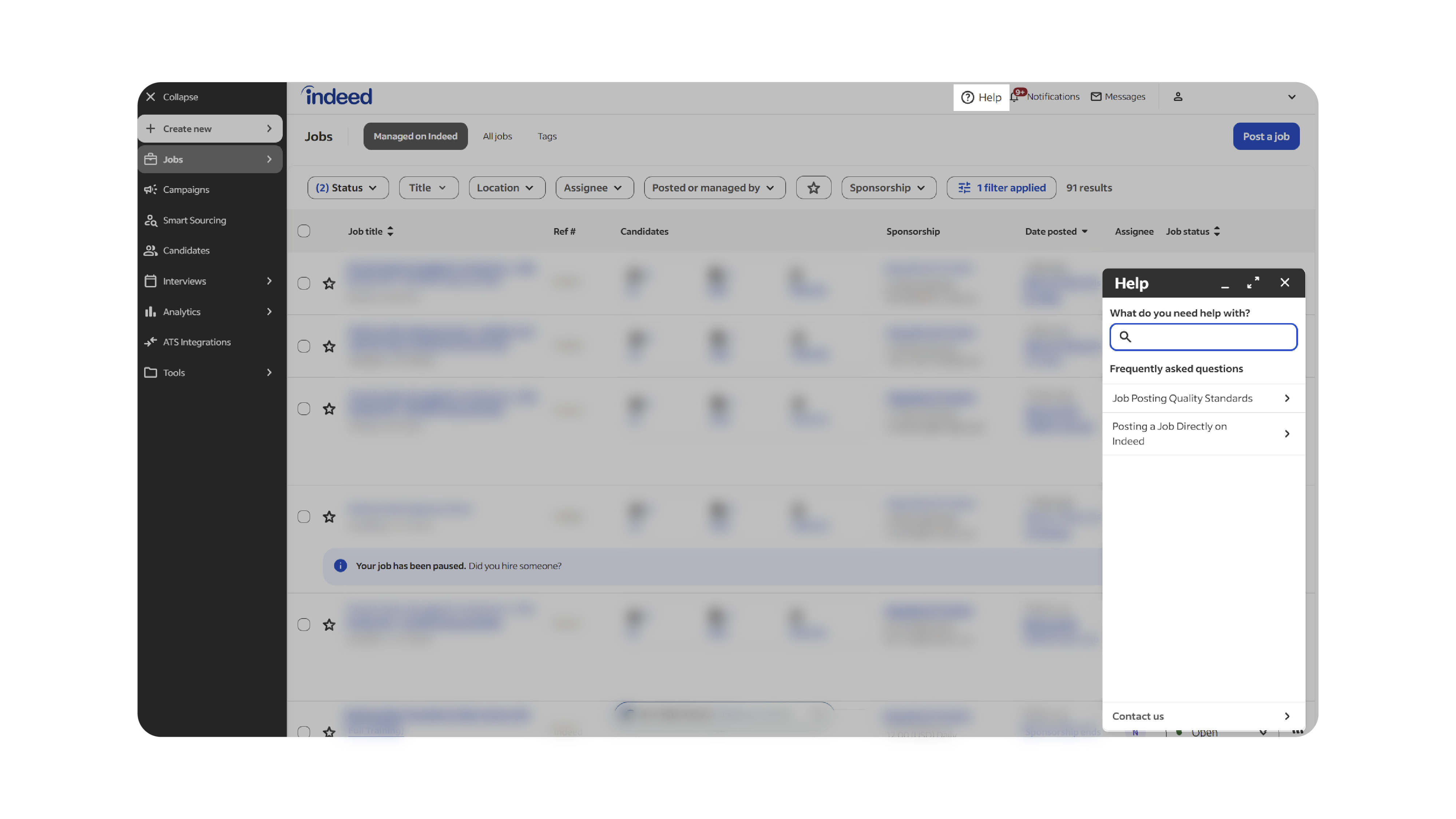
After reconnecting, contact Indeed Support and ask them to review the account connection on their side.
Use this script:
Subject: Jobs from Discovered are not connecting to our Indeed account
Body:
Hello Indeed Support,
We use Discovered as our ATS and job distribution platform.
Our jobs are being sent through the new Indeed API connection, but the jobs are not appearing correctly inside our Indeed account.
We need help confirming that our Indeed account is properly connected to the Discovered integration and that our jobs are attached to the correct Indeed account.
Please review and correct the account connection on your side.
Details:
Company name: [Company Name]
Indeed account email: [Indeed Login Email]
ATS platform: Discovered
Example job title: [Job Title]
Example job ID: [Job ID]
Issue: Jobs sent from Discovered are not showing in our Indeed account
Please reply with confirmation once the account connection has been reviewed and corrected.
Thank you,
[Customer Name]
[Title]
[Phone Number]
4. Save proof of contact
Keep a screenshot or copy of the email or chat with Indeed Support.
Also save:
- the Indeed rep’s first and last name
- the agent ID, if they provide one
- the job title and job ID you shared
- any reply from Indeed confirming what action they took
Why This Matters
If jobs are not linked to the correct Indeed employer account, they may not show inside Indeed even though they were sent from Discovered. That can lead to low visibility, lost time, and confusion about whether the integration is working.
Best Practices
- Reconnect the Indeed integration before contacting support
- Include a real job title and job ID in every support request
- Ask Indeed to confirm the jobs are attached to the correct employer account
- Keep screenshots and rep names for follow-up
What Happens Next
Once the account link is corrected, your jobs should appear properly inside your Indeed employer account. If they still do not appear after reconnecting and contacting Indeed, send the support response to Discovered so your team can help review next steps.